 Invoice Jar
Invoices out. Money in.
Make an invoice in a minute, send your client a link they can open and download, and always know who still owes you.
Free for 5 invoices a month. No card needed.
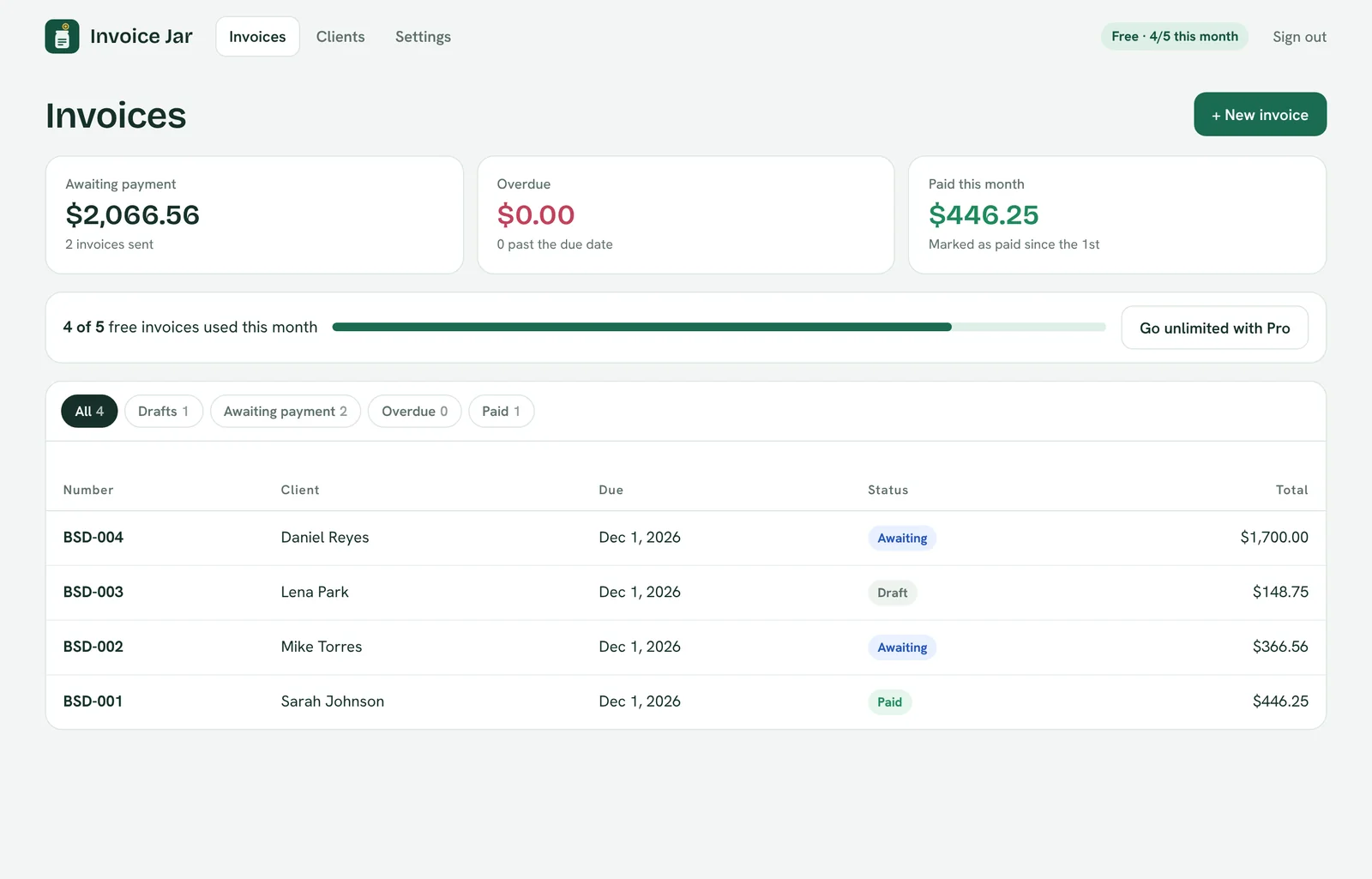
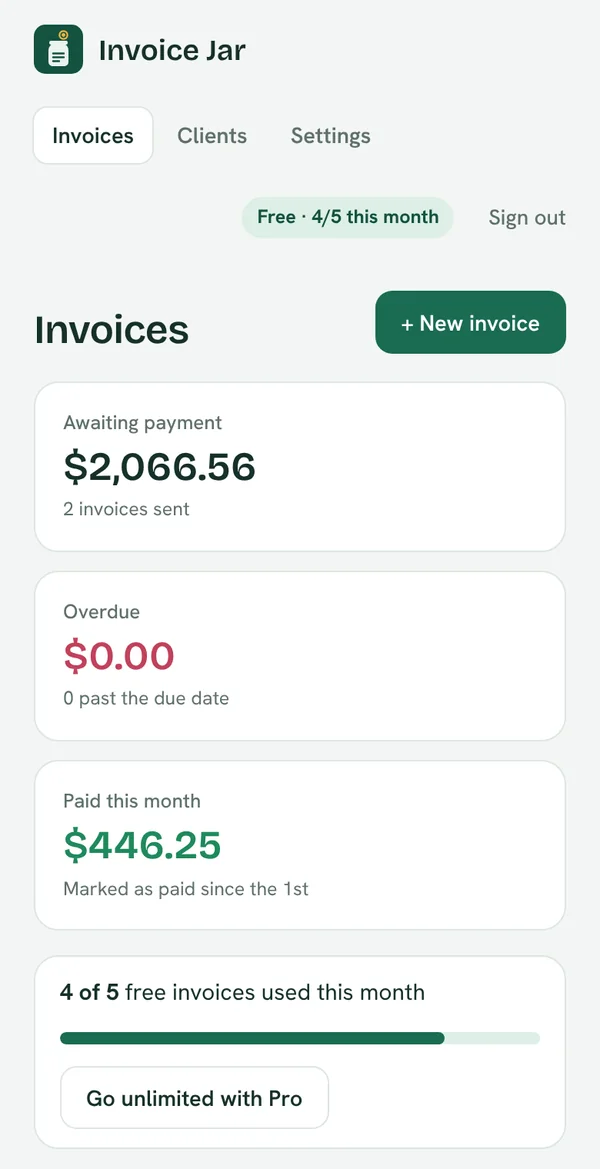
How it works
From finished job to paid invoice in three steps
Add the work
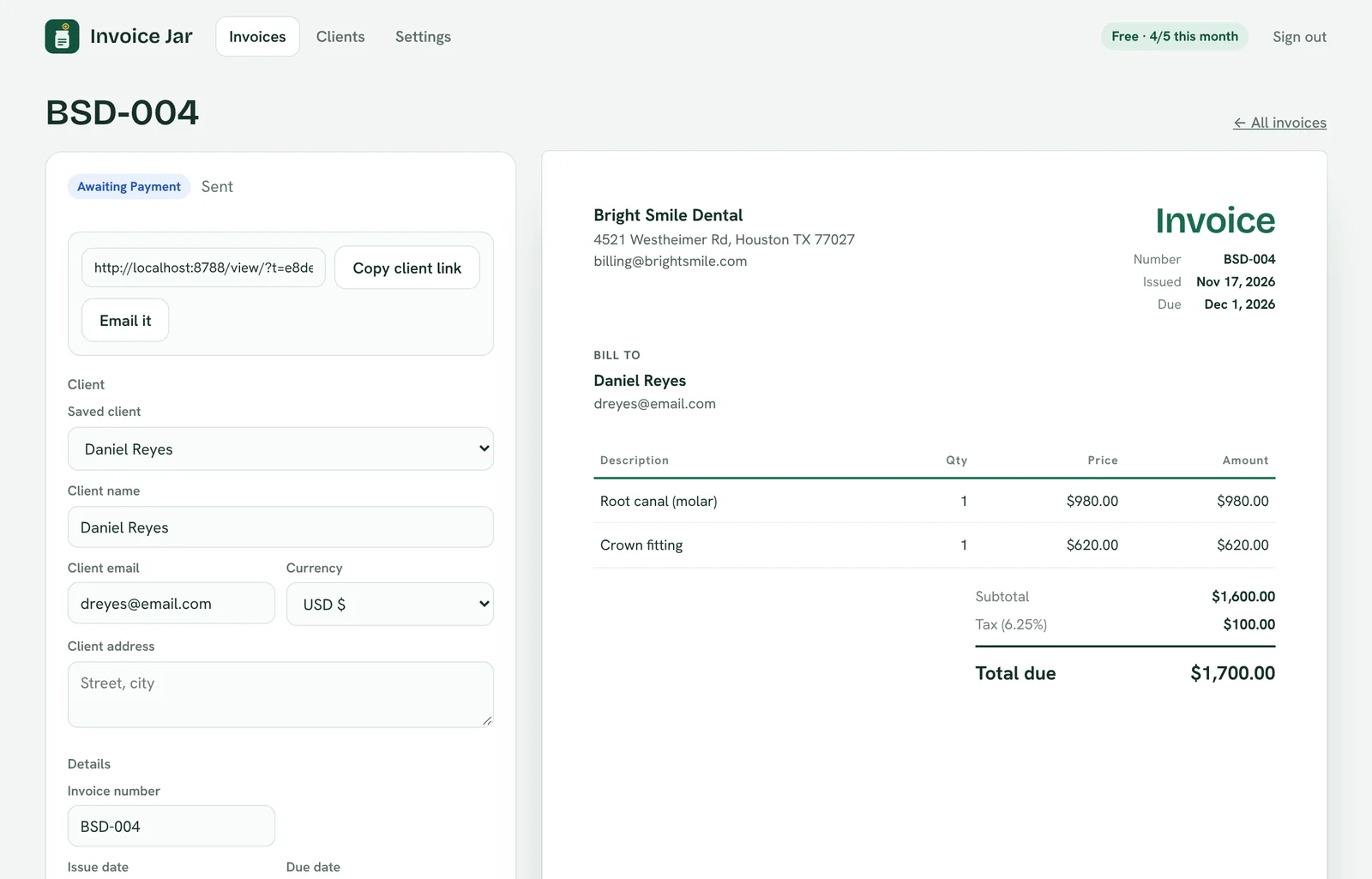
Pick a saved client or add a new one, list what you did and set the due date. Tax, discounts and totals are worked out for you.
Send the link
Copy the link or email it. Your client opens a clean invoice page and downloads the PDF. No app or account needed on their side.
Mark it paid
Your dashboard shows what is awaiting payment and what is overdue, so you know exactly who to follow up with.
What your client sees
A proper invoice, not an attachment lost in their inbox
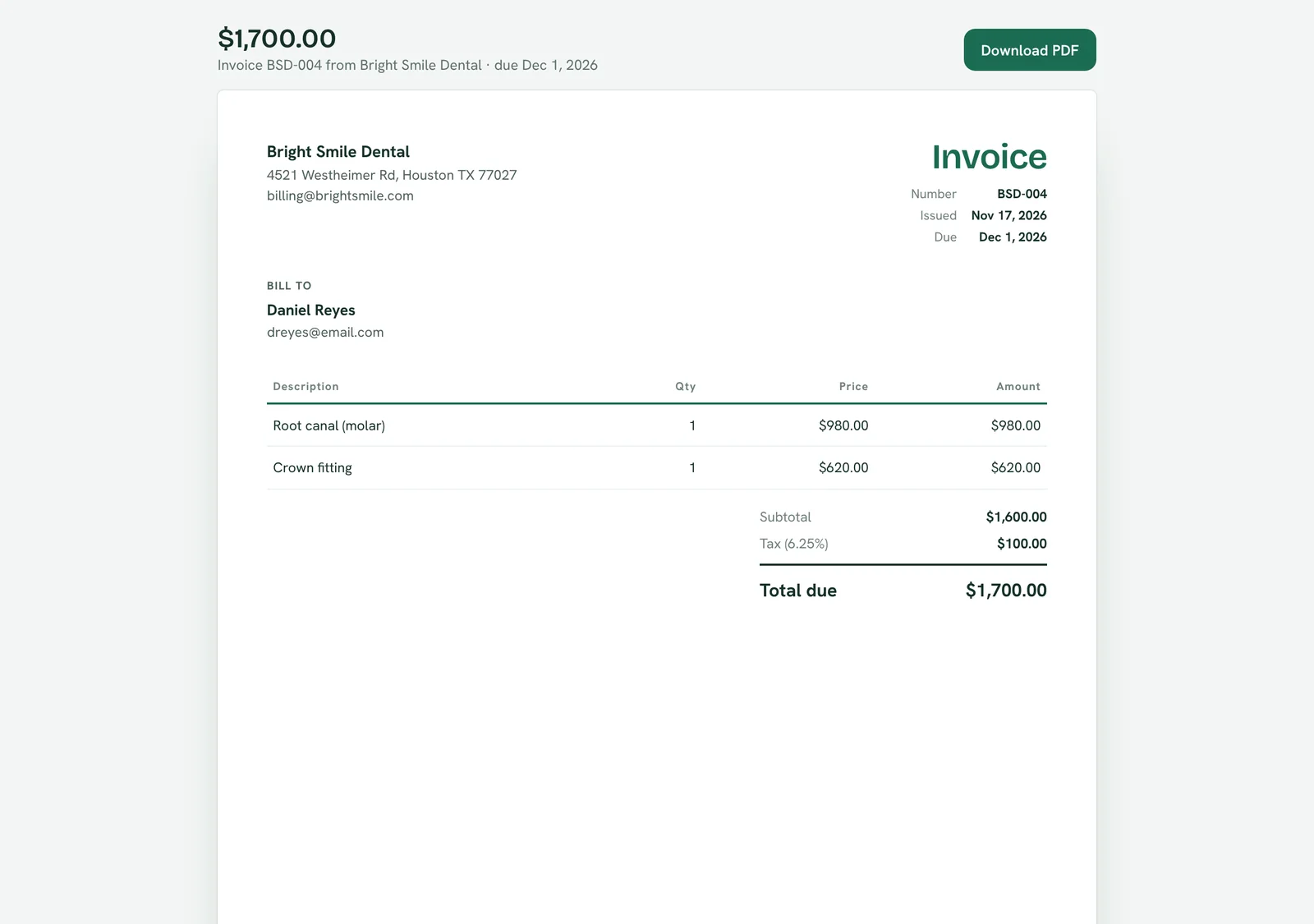
Every invoice gets its own private page with your logo, your payment details and a Download PDF button.
- Opens on any phone or computer
- Shows paid, due or overdue at a glance
- Prints and saves as a clean PDF
Built for small businesses
Everything you need, nothing you have to learn
- Live preview while you type
- Saved clients that fill in automatically
- Your logo, colour and invoice numbering
- USD, EUR, GBP, CAD, AUD, INR, PKR, AED and SAR
- Drafts, sent, paid and overdue, tracked for you
Pricing
Start free. Upgrade when you are sending more.
Free
For getting started
- 5 invoices a month
- Unlimited clients
- Client links and PDF download
- Payment tracking
Pro
For businesses invoicing every week
- Unlimited invoices
- No Invoice Jar branding
- Everything in Free
- Cancel any time
Questions
Good to know
Does my client need an account?
No. They open the link you send them, see the invoice and can download it as a PDF.
Can clients pay online through Invoice Jar?
Not yet. Your invoice shows the payment details you choose, like a bank transfer, Zelle or PayPal, and you mark it paid when the money arrives.
What happens after 5 invoices on the free plan?
Your invoices stay safe and you can still view and share them. To create more that month, upgrade to Pro or wait until the 1st.
Can I cancel Pro?
Yes, any time from Settings in the app. You keep Pro until the end of the month you paid for.
Your next invoice could be sent in a minute
Free to start. No card needed.
Make your first invoice